 1
1
Get it issued
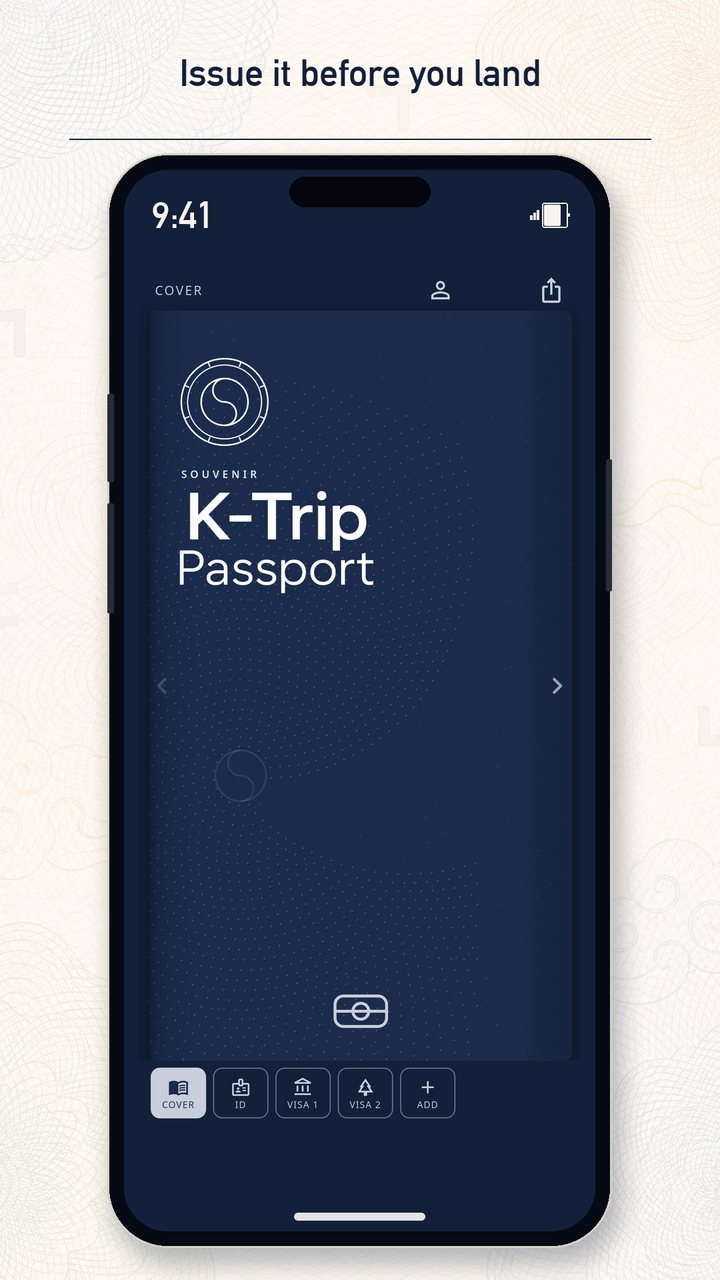
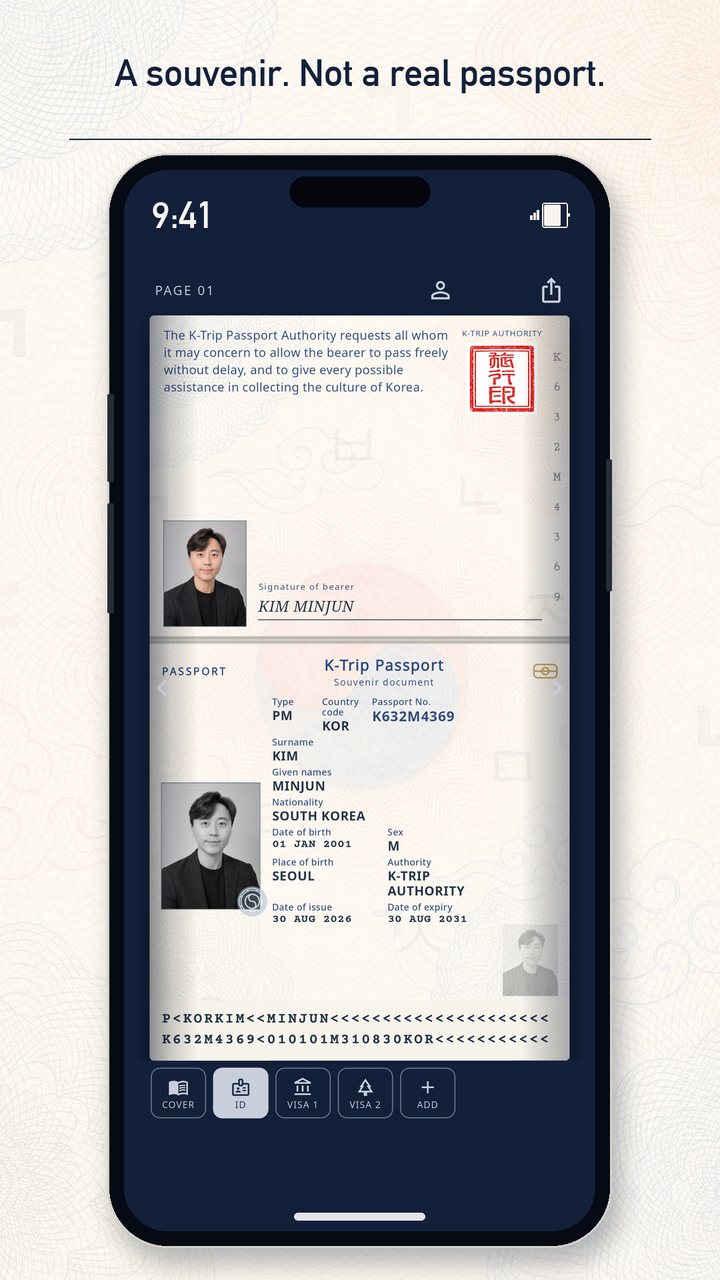
Photo, name, nationality. You receive a keepsake number like K###L#### — not a government ID.
A souvenir passport
Photograph a mission, ink it into a circular stamp, and fill visa pages. Palaces and coasts wait in Korea. A Korean table, a fan desk, or a café you can stamp from home.
Coming soon to the App Store and Google Play
Inside the app
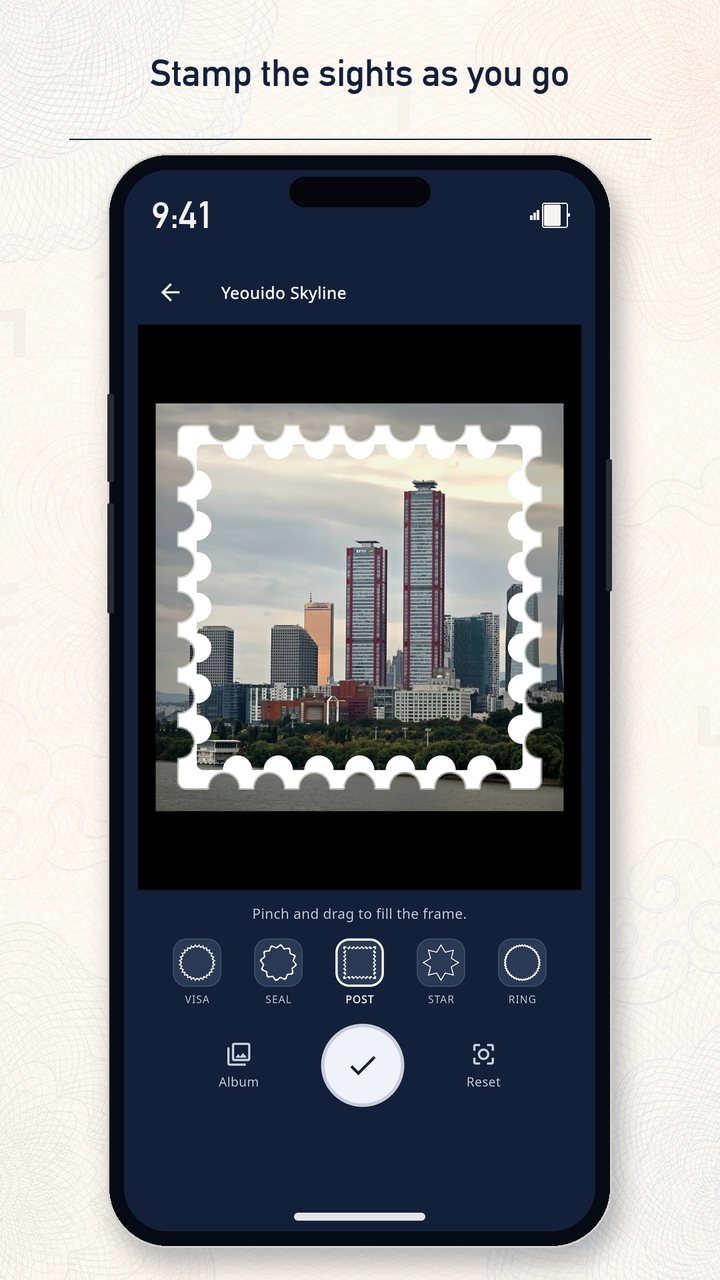
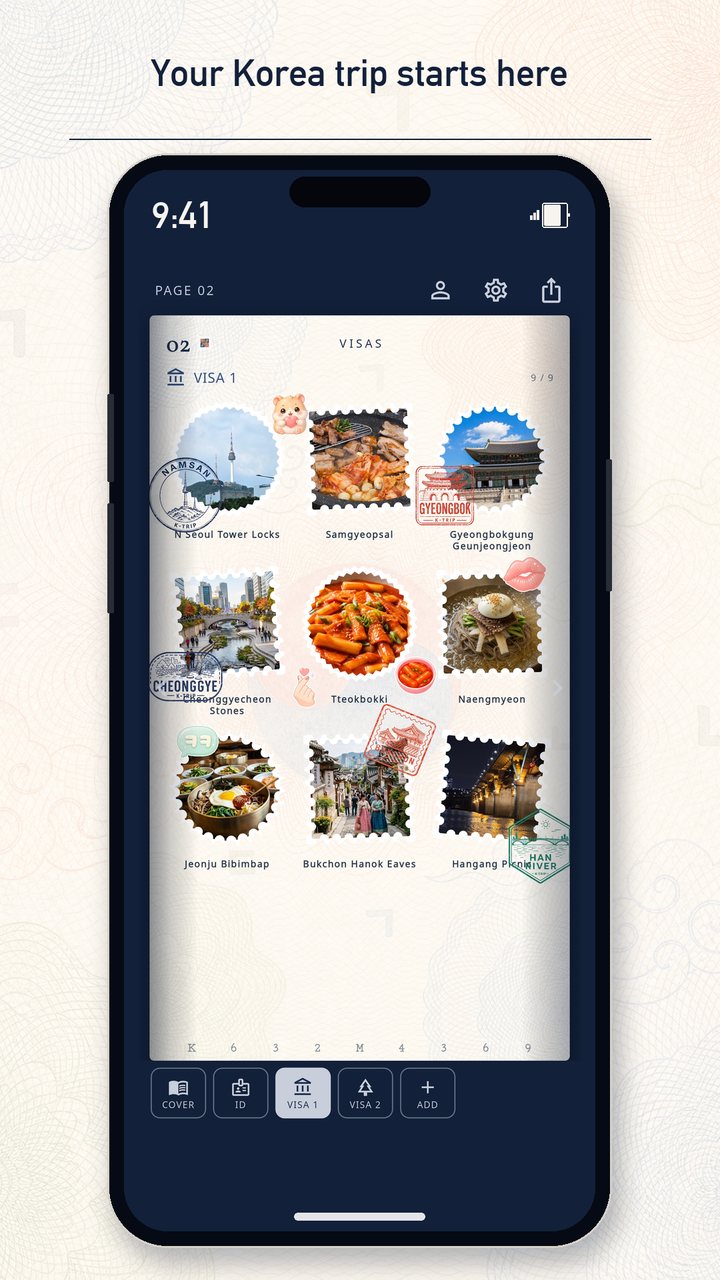
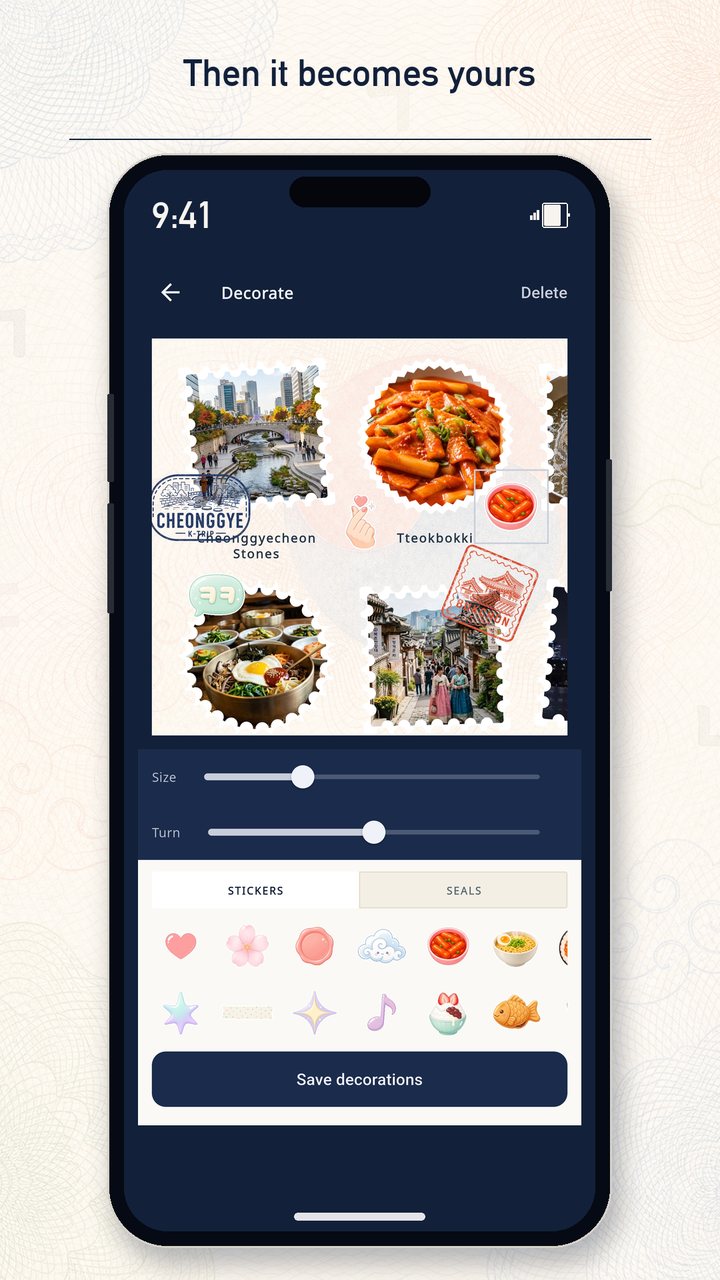
Issue a souvenir passport, pick a mission, stamp it with the camera, then decorate and share the page.
How it works
You issue a souvenir passport, then fill it as you go — in Korea or from home. No GPS. You choose the mission.
1
Photo, name, nationality. You receive a keepsake number like K###L#### — not a government ID.
2
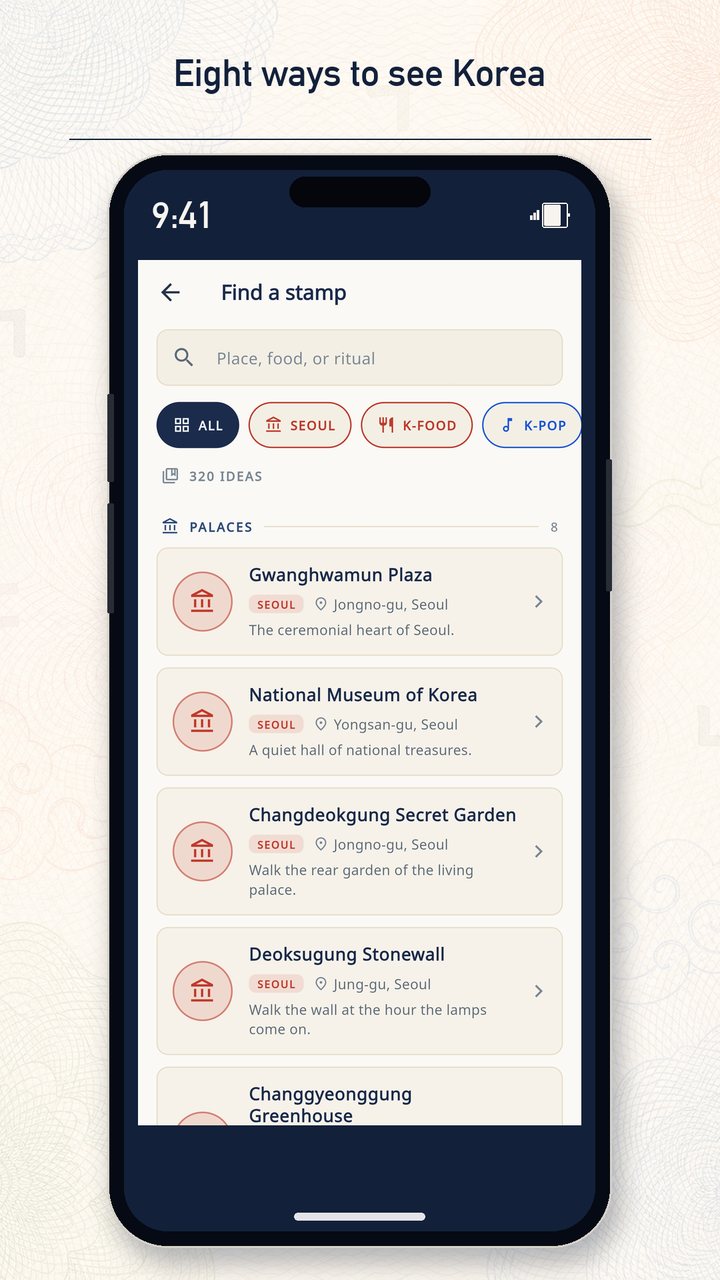
Eight collections, about 40 ideas each. Search the catalog, or stamp something of your own.
3
A circular viewfinder. Pick a souvenir frame so the photo reads like a rubber stamp on paper.
4
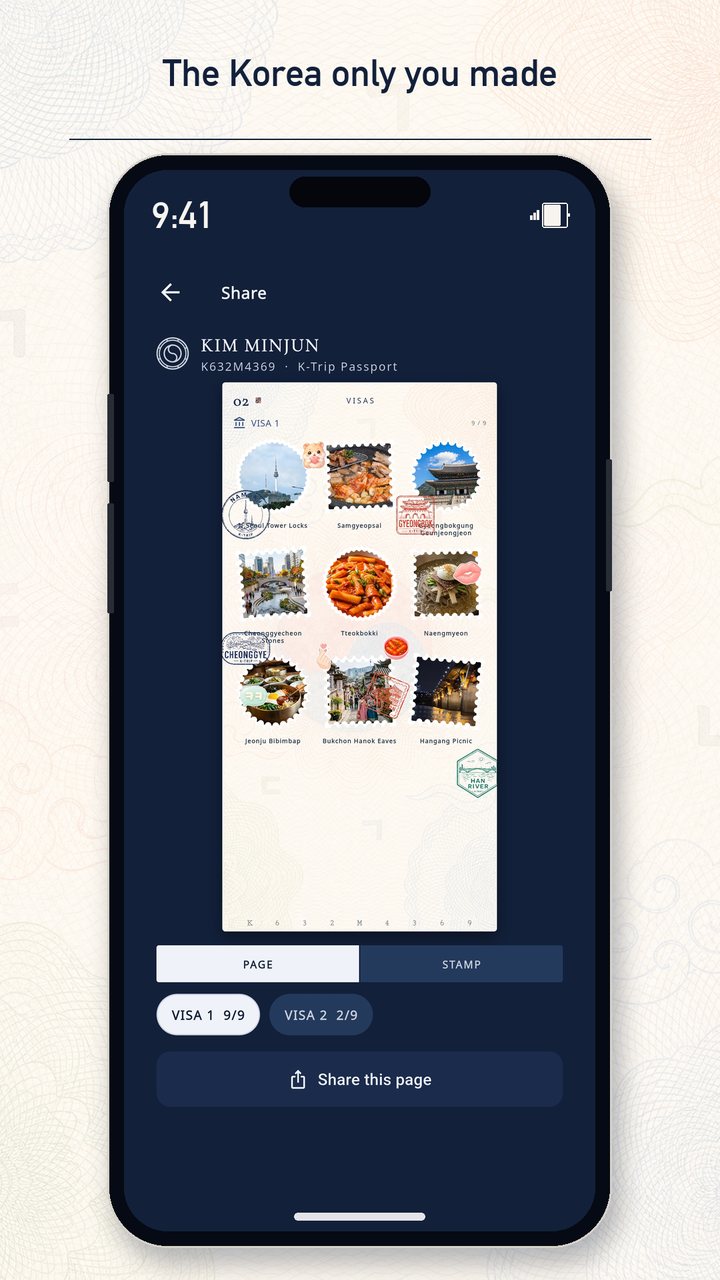
Nine stamps to a leaf. Fill the grid, add stickers, share the page. A tenth stamp opens a new leaf.
Collections
Plus freestyle stamps you title yourself. Palaces and coasts wait in Korea; some K-Food and K-Pop missions work at a home table or desk.
Palaces, hanok streets, and the grain of the city.
Heat, crunch, and the comfort of a Korean table.
Stages, merch, and the pulse of fandom.
Rivers, trails, and a slower Korea.
Beaches, alleys, and a city that faces the sea.
Oreum, wind, and an island table.
Kingdoms, courtyards, and the old crafts still in use.
After dark, and the softer hours around it.
320 catalog missions + personal stamps you name after you shoot.
Features
Flip pages. Stamp circles. Keep the album to yourself until you share a leaf.
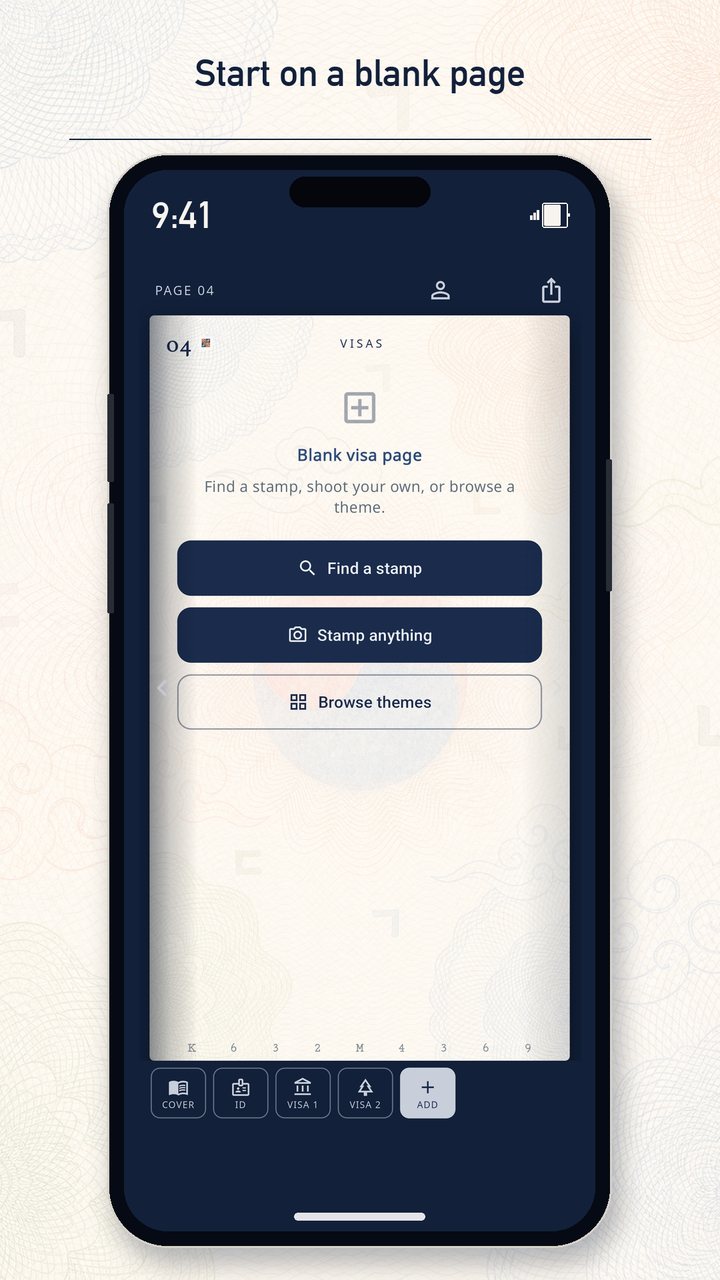
Navy cover, identity spread, then visa leaves. Jump to a page or turn the book.
One round viewfinder. Pick a souvenir frame so the photo sits on the page like a rubber stamp.
A starter pack and souvenir seals, placed freely over the visa grid. What you decorate is what you share.
Nine stamps fill a leaf. The tenth opens another. Mix any collection on the same page.
Find a mission across all eight collections, or shoot first and name the stamp yourself.
Export a decorated leaf — stamps and stickers together — or a single stamp card. Not a government-looking ID spread.
Keepsake, not a document
K-Trip Passport is a souvenir album styled after travel papers. It is not issued by any government, has no legal status, and cannot be used for identification or border control.
FAQ
No. K-Trip Passport is a souvenir album. It is not issued by any government and has no official status. Do not present it as identification.
No. Some missions are places in Korea. Others — a Korean table, a stew house, a fan desk or binder — you can stamp wherever you already live. Freestyle stamps are yours to name.
No. There is no GPS. You pick a mission from the catalog or stamp a place of your own.
With your signed-in account. Sign in on a new device to restore the book. A cache may also stay in the app’s documents folder on the phone you used.
Use a personal stamp. Shoot first, then give it a title. It lives in My stamps, alongside the eight themed books.
Yes. No in-app purchases and no ads in this version. Optional sticker packs and cover skins may come later; the camera, eight themes, and basic stickers stay free.
You need a network to sign in and to save stamps to your account. Store listings and support links also need a connection.
In the app: Profile → Delete account. That removes the login and the souvenir stored with the account. If you cannot open the app, email us from Delete Account. Profile → Reset passport only clears the souvenir; Sign out does not delete the login. We aim to finish verified email requests within 30 days.
Support
Email cmjh951330@gmail.com for help. You can also read the Privacy Policy, Terms of Service, and Delete Account pages.